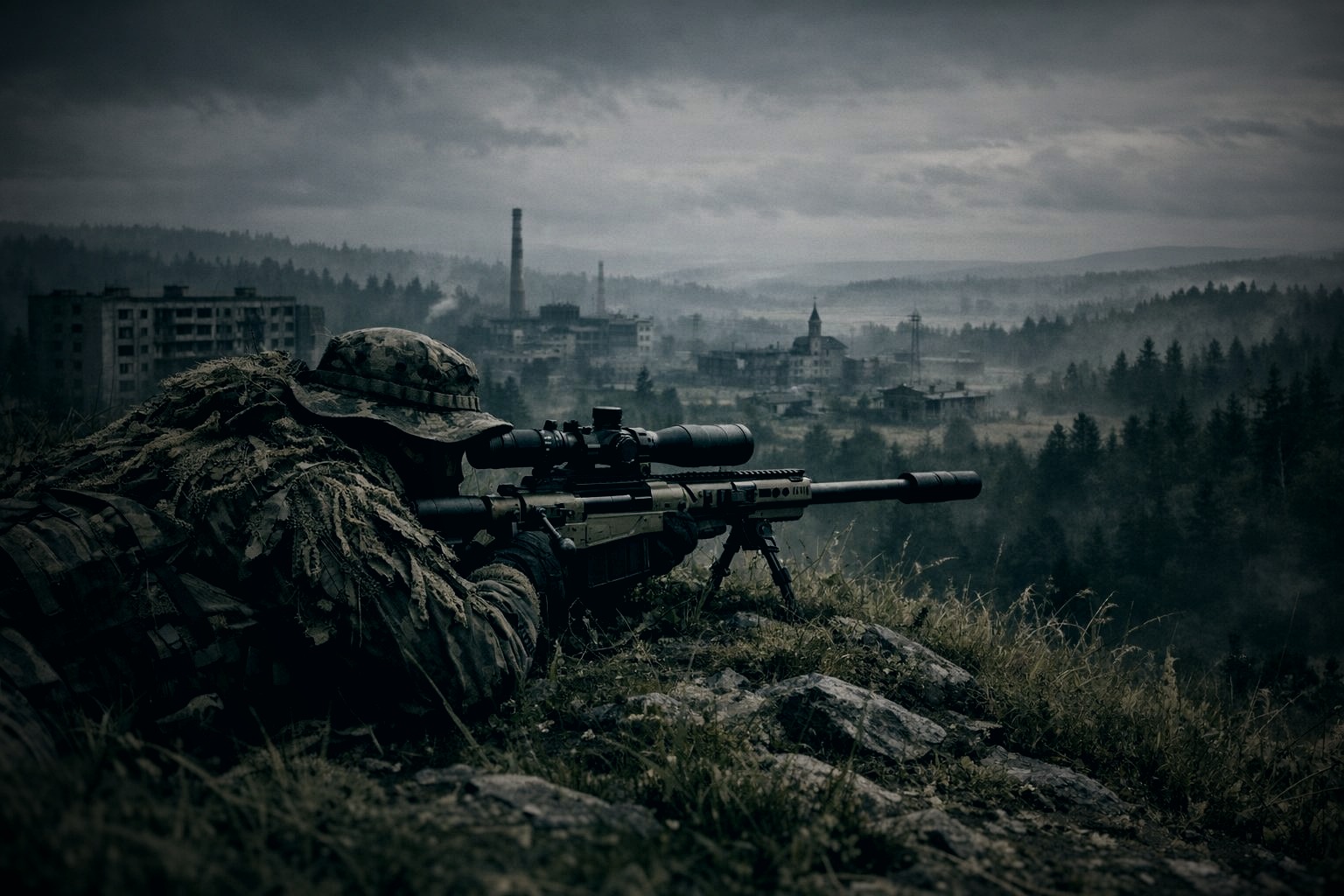
Welcome to Shadows of Chernarus
🌍 About This Server
Shadows of Chernarus is a modded PvP/PvE DayZ server set on the classic Chernarus map. We run a large mod list that adds a full player economy, vehicle storage, extended base building, aircraft, and more — while keeping the core DayZ survival loop intact.
Server IP
206.221.176.14:2302
Find us in the DayZ Launcher community browser
Map
Chernarus
Classic post-Soviet map — 225 km² of forests, cities, and coast
Your First Hour
1 Pick Your Spawn & Find Food
You'll spawn on the coast. Your first priority is survival — find food and water before anything else. Loot barns, houses, and garages along the coastline. Apples, pears, and plums grow on trees in the forests and are free to take.
- Drink from wells (found in every village) or purified water bottles
- Cook raw meat over a fire — craft a fireplace kit with sticks and a rag or paper
- Avoid eating rotten or burned food — it will make you sick
- Check barns for rice, pasta, and canned goods — best early calories
Tip: Press M to open the map. You can find your location by looking for landmarks — water towers, church steeples, and radio antennas are visible from a distance.
2 Gear Up — Loot & Traders
Once you're stable on food and water, start gearing up. The server has TraderPlus NPC vendors at designated Trader Cities where you can buy and sell almost anything for Rubles.
- Loot military bases (NWAF, NEAF, Tisy) for high-tier military gear — PvP risk is high there
- Visit the Trader to sell loot you don't need and build up currency
- Buy starter gear: a backpack, food, and a basic weapon from the Trader
- Rubles spawn in buildings — always check pockets and shelves
3 Bank Your Money
Rubles you carry on your body are lost when you die. ATM machines at every Trader location let you deposit your currency into a secure account that persists through deaths. Get in the habit of banking after every successful loot run.
4 Build a Base or Join a Group
A base gives you somewhere to store gear safely between sessions. The server runs Base Building Plus (BBP) for extended building options, and CodeLocks to secure your doors. You can build alone or team up with friends using the LBmaster Groups system for shared map markers and group vehicle storage.
- Gather logs, planks, nails, and metal sheets for base construction
- Buy base materials at the Trader if you'd rather skip the gathering
- CodeLock your gates — never leave a base unsecured
- Store vehicles in the Virtual Garage so they don't despawn
Key Keybinds
⌨ Controls Reference
Interact / Trade
F Context Action
Opens trader menu, ATM, garage, vending machine, and more
Map
M Open Map
Full map view. Drag to pan, scroll to zoom
Inventory
Tab Inventory
Open your inventory and nearby container
Aircraft
G Flight Mode Toggle
Switch between ground taxi and flight mode in aircraft
Groups
O Group Menu
Open group management: create, invite, leave
Voice Chat
Caps Lock Direct Speech
Push-to-talk for local voice chat
Tips & Warnings
⚠ Things to Know
PvP is active everywhere outside designated safe zones. Shoot first or die first — always be aware of your surroundings in populated areas like the Trader and military bases.
GraveCross: When you die, a wooden cross marks your exact death location with all your gear inside. You have time to run back and recover it — or send a squadmate. See the
GraveCross Guide.
Virtual Garage: Park your vehicle at a garage sign and store it. Vehicles left in the world WILL despawn. Always garage your car before logging off. See the
Virtual Garage Guide.
Never lose your CodeLock code. There is no admin recovery for forgotten codes. Write it down.